Features
Every LYNX Scan feature, explained simply.
No expertise needed. Here is what each feature does, how it helps in real life and how to use it in a few steps.
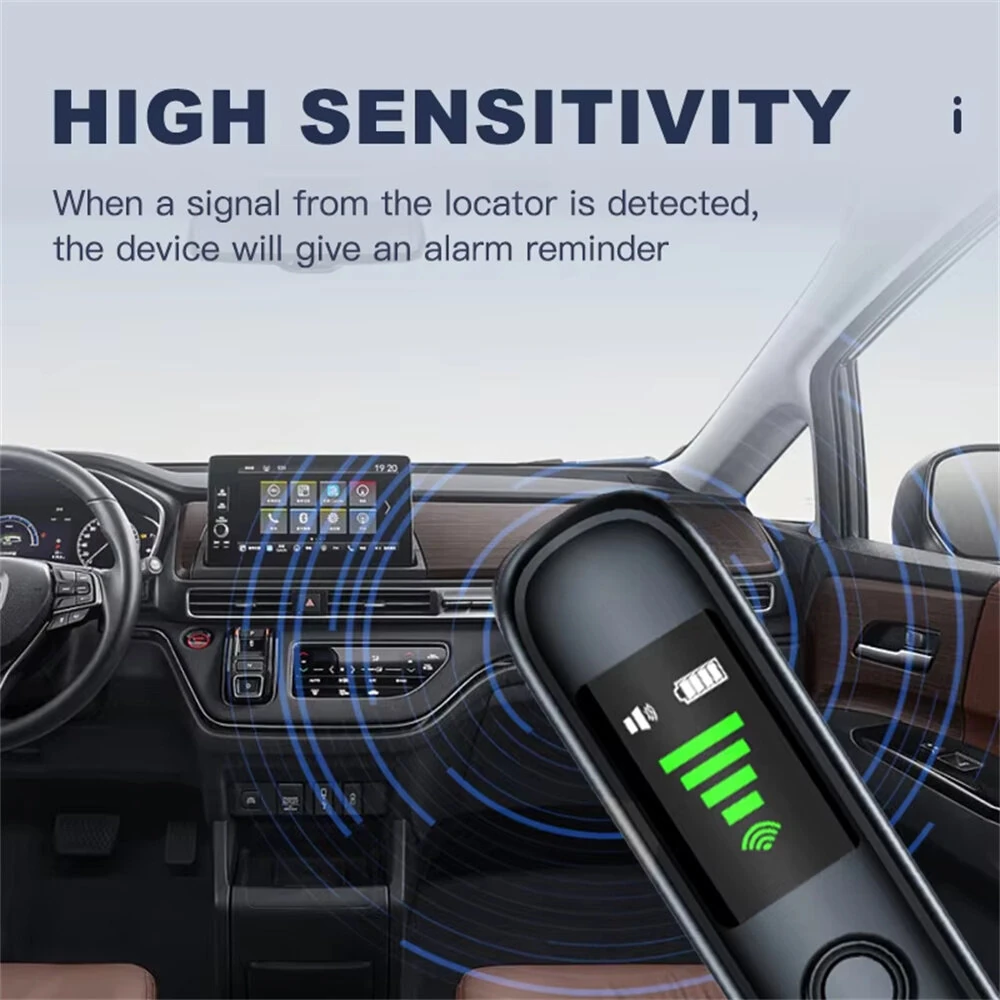
Wireless signal detection
It “hears” spy devices that send information wirelessly.
A GPS tracker sending your location, a mic transmitting your conversations, a camera streaming over Wi‑Fi: they all emit invisible waves, a bit like a phone making a call.
LYNX Scan picks up those waves. The closer you get to the source, the higher the light bar climbs and the faster it beeps — like a game of “hot or cold”.
It covers a very wide range of waves, including those used by mobile networks, Wi‑Fi, Bluetooth and most small everyday wireless devices.
How to use it
- 1Switch off or move away your phone and smartwatch, which also trigger the device.
- 2Turn on detection mode and walk slowly around the room.
- 3When the bar rises, bring the device close to suspicious objects: sockets, clocks, chargers, smoke detectors.
- 4Where the signal is strongest, take a closer look — without dismantling or breaking anything.
Good to know : A device that is off or records without transmitting sends no waves: always combine with the camera search.
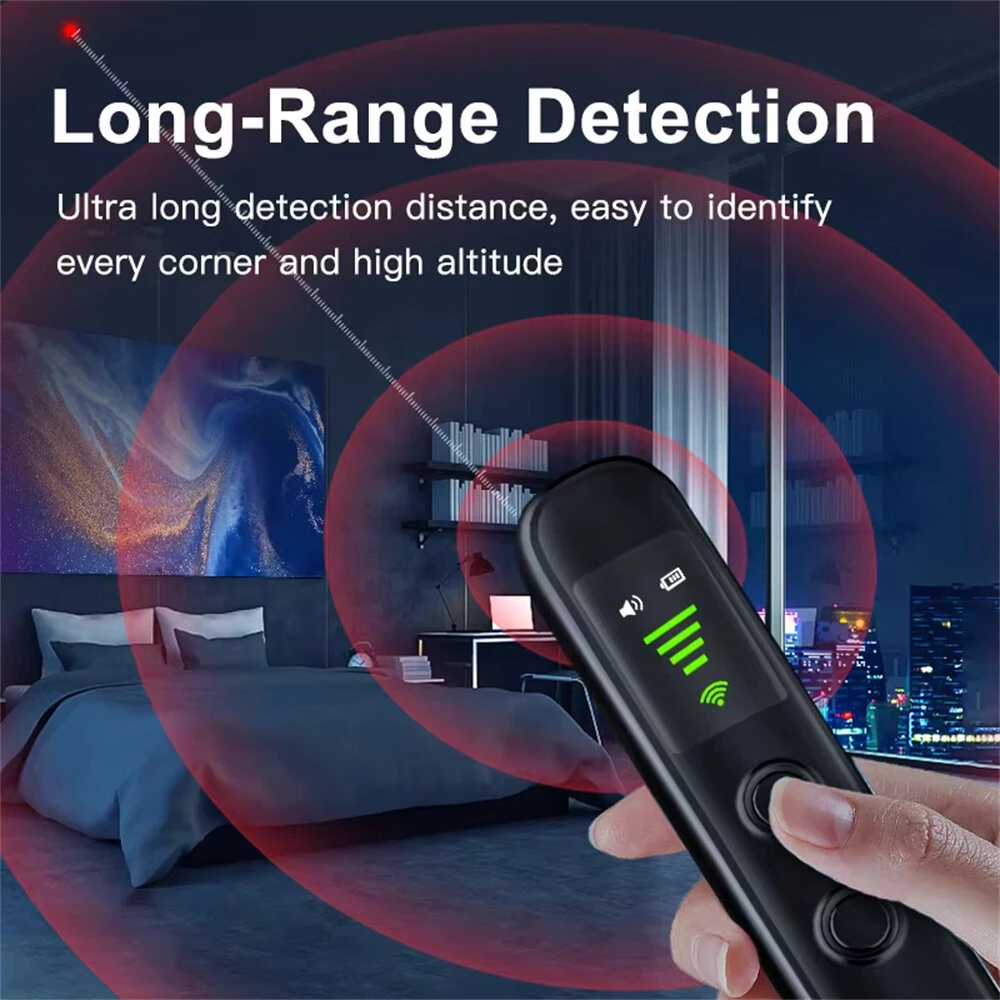
Optical camera inspection
Makes a hidden camera's lens sparkle, even when it is switched off.
Every camera has a small lens, like an eye. When light hits it, it reflects a tiny bright dot — like a cat's eyes at night.
LYNX Scan lights up the room with small flashing lights. Look through its viewing window: if a red or white dot sparkles inside an object, it may be a camera lens.
This works even if the camera is off or records to a memory card, because it does not rely on wireless waves.
How to use it
- 1Close the curtains and turn off the lights: the darker it is, the easier reflections are to see.
- 2Switch to camera mode and look through the viewing window.
- 3Slowly sweep each wall, especially anything facing the bed, shower and toilet.
- 4If a dot shines, change your angle: a real lens keeps sparkling.
Good to know : A lens hidden behind an opaque object or pointing elsewhere may not show up. Check from several angles.
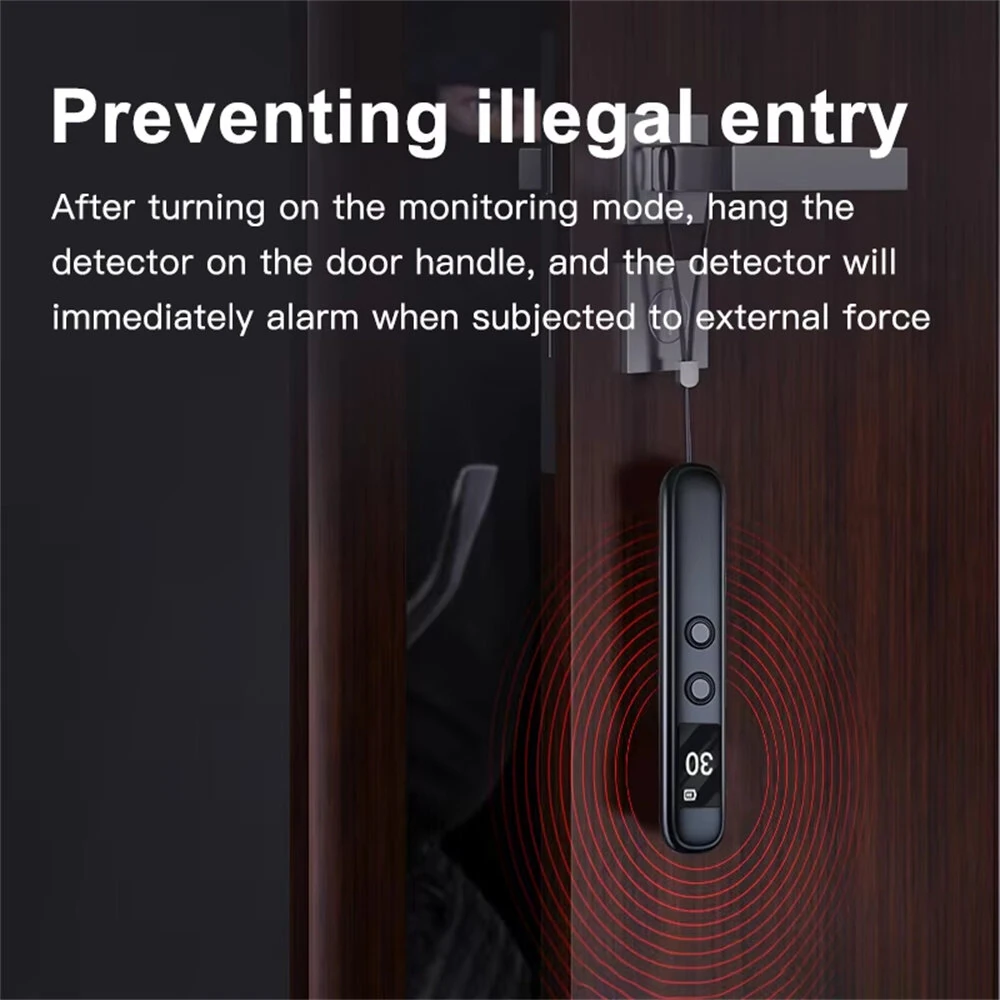
Anti-intrusion door alarm
A night guard so you can sleep soundly in hotels and Airbnbs.
Arriving in an unfamiliar room and not sure who else has a key? LYNX Scan becomes an alarm.
Once activated, it watches for movement. If someone tries to open the door, a loud alarm sounds to wake you and scare off the intruder.
It is also handy for keeping an eye on a bag or suitcase during a break.
How to use it
- 1At night, close your door as usual.
- 2Turn on alarm mode as shown in the manual.
- 3Place the device against the door or on the handle.
- 4At the slightest movement the alarm goes off: you are alerted immediately.
Good to know : The alarm warns you; it does not block the door — keep the lock closed too.
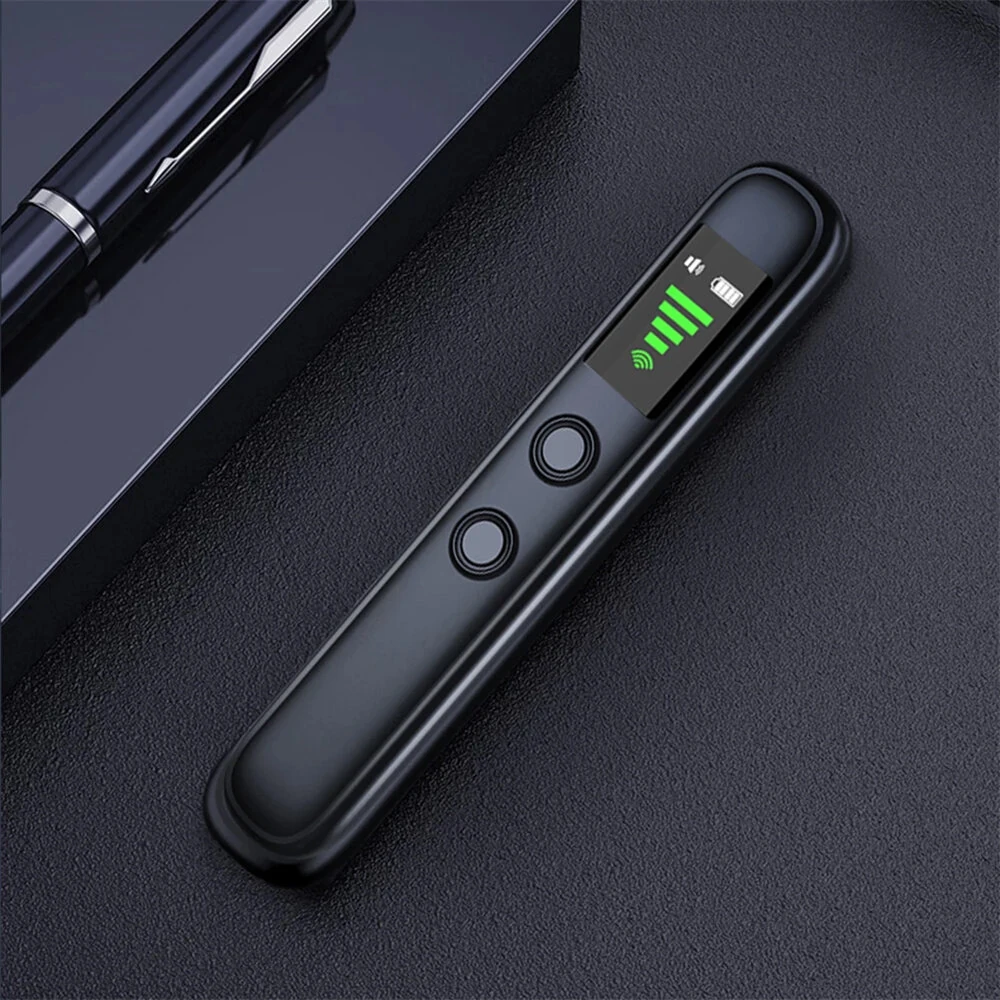
Adjustable sensitivity
Like a radio's volume: you set how finely it listens.
Rooms often contain normal devices: internet router, TV, smartphone. If it reacted to everything, the detector would never stop beeping.
With 4 sensitivity levels, start high to check whether anything is there, then lower it to keep only the closest signal and pinpoint its hiding spot.
Its detection chip is designed to tell background noise apart from a nearby signal.
How to use it
- 1Start at the highest level to sweep the room.
- 2If it goes off everywhere, lower it by one level.
- 3Move toward the area where the bar rises.
- 4Lower it again: the signal stays strong only next to its source.
Good to know : If the alert stops when you unplug the Wi‑Fi router, it was the router — nothing to worry about.
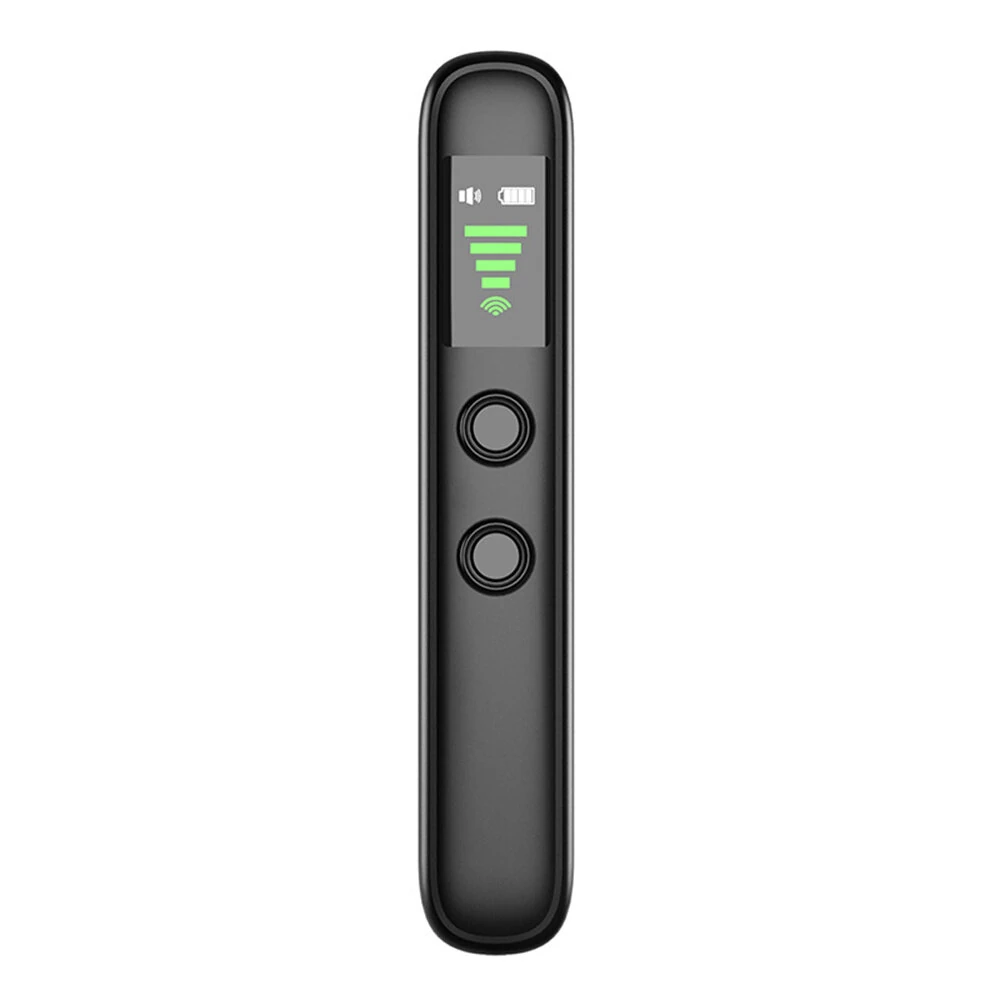
Discreet alerts
Two buttons, three ways to be alerted.
No complicated menus: one button to turn on, one to switch modes. You will master it in a minute.
Choose how you are alerted: the rising light bar, a faster beep, or a silent vibration in your hand.
Vibration mode is ideal for checking a meeting room, rental car or bedroom without drawing attention.
How to use it
- 1Press and hold to turn on.
- 2Short-press to switch between functions.
- 3Pick sound or vibration depending on where you are.
- 4Follow the light bar: the higher it goes, the closer you are.
Good to know : Exact button presses may vary: the included manual is the reference.
Always ready in your luggage
Up to 30 days on standby, charged like your phone.
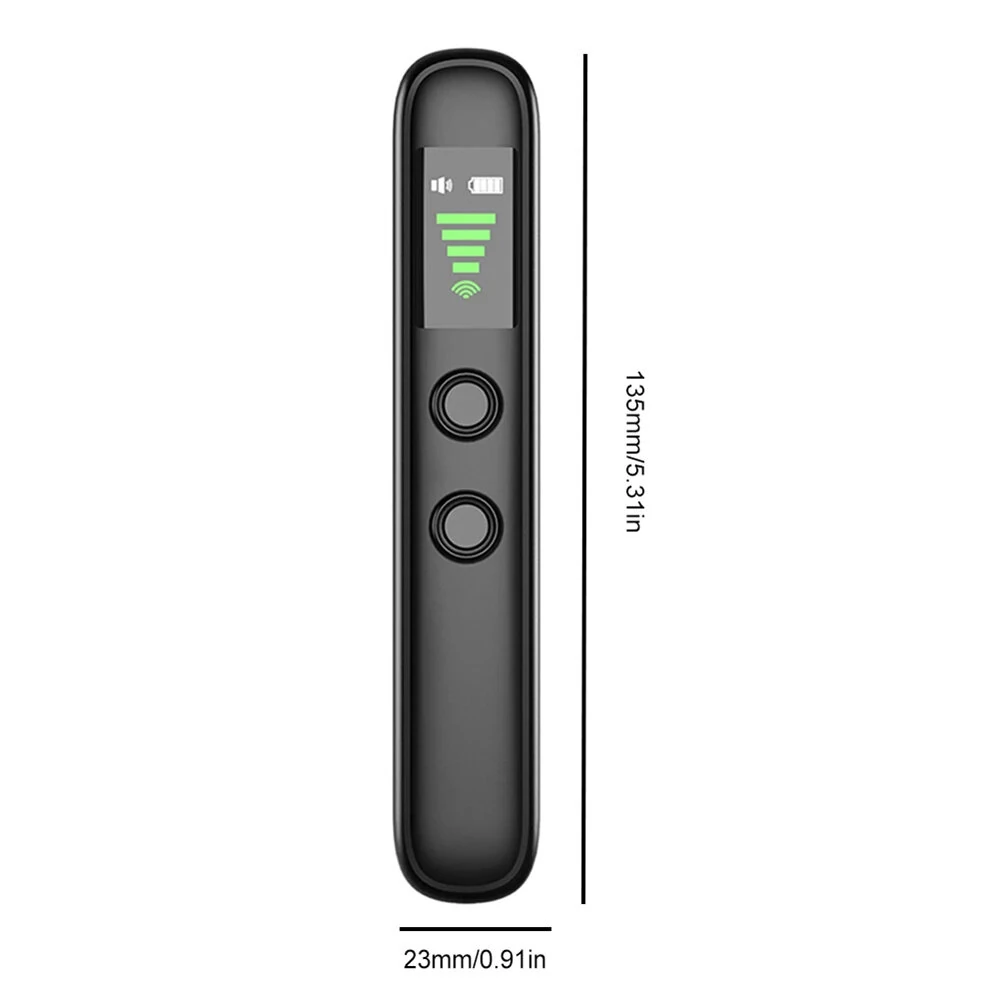
LYNX Scan weighs 26 g and fits in a pocket: it travels with you without taking up space.
It charges with the included USB‑C cable from a phone charger, a laptop or a power bank.
On standby it lasts up to 30 days according to the manufacturer. In active use it drains faster: charge it before you leave.
How to use it
- 1Fully charge it the night before you travel.
- 2Slip it into your toiletry bag or clip the lanyard to your bag.
- 3Do a quick check when you arrive in the room or car.
- 4Recharge it alongside your phone.
Good to know : The manufacturer does not state active-use battery life: check the charge before each inspection.
Specs in plain words
- Weight
- 26 g — lighter than a set of keys
- Size
- 13.5 × 2.3 × 1.3 cm — about the size of a thick pen
- Charging
- USB‑C cable included, like a recent smartphone
- Battery
- 300 mAh, up to 30 days on standby (stated)
- Stated range
- Up to 10 m, depending on the room and nearby devices
- Adjustment
- 4 sensitivity levels
- Screen
- Small 3.1 × 1.7 cm screen with a light bar
- Material / colour
- Sturdy ABS plastic, black
- Model
- T66
In the box
- 1 LYNX Scan detector
- 1 wrist lanyard
- 1 USB‑C charging cable
- 1 user manual
Colour may vary slightly depending on your screen. Dimensions are measured by hand (1–2 cm variance possible). No detector finds 100% of devices: LYNX Scan helps you inspect more carefully.
Order LYNX Scan